Curated tools that keep it simple
- Showcase your project

- Generate CSS gradients

CSS Gradient
Visual gradient editor that hands you the CSS - linear or radial, any number of stops
CSS Gradient - Manage tasks and track time

Super Productivity
Open-source to-do list with time tracking, Pomodoro and issue tracker sync
Super Productivity




- Style without a build step

- Edit photos and generate art

- Process audio and video

FFmpeg
The industry-standard, complete, cross-platform solution to record, convert, and stream audio and video.
FFmpeg - Visualize regex logic

Debuggex
An online tool that generates real-time railroad diagrams for your regular expressions to help understand their logic.
Debuggex - Find SVG icons

- Learn Japanese

- Build games for free

- Edit videos freely

- Visualize tattoo ideas

- Share files securely

- Control multiple computers

- Download

- Download free creative suite

Affinity
Professional creative suite for photo editing, graphic design, and page layout, now completely free.
Affinity - Start coding with AI agent

- Start writing

- Manage TODO lists

- Bookmark links, notes and images

- Manage academic research resources

- Connect your notes

- Listen to forests

- Make websites readable

- Watch news channels online

- Download 3D icons

- Manage your clipboard

- Manage loyalty card and tickets

- Learn music theory

Learning Music
Interactive music theory and composition learning through hands-on exercises
Learning Music - Build personal knowledge network

- Transform data

- Listen radio stations

- Listen radio stations
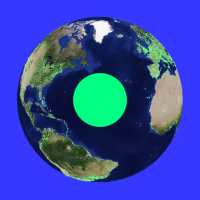
Radio Garden
Explore and listen to live radio stations from thousands of locations worldwide
Radio Garden - Listen podcasts

- Authenticate 2FA

- Share files

- Run global latency test

- Check browser version

- Customize websites

- Process PDF files

- Edit PDF files

- Create an app

- Share files

- Sync files

- Generate CSS only buttons

- Compress images

- Get loader css code
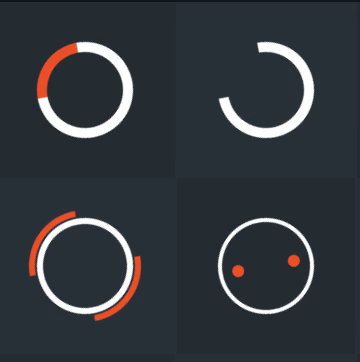
- Generate CSS only accordion sliders

- Convert color code

- Blend colors
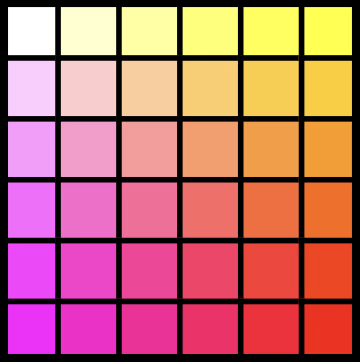
- Generates color scales
- Get information about any emoji

- Download brand logos

- Compress images

- Text regex patterns

- Create duotone images

- Edit video

- Share files

- Take screenshots or record screen

- Read PDF files

- Edit your photos

- Remove background from images

- Toggle dark mode

- Edit audio

- Make JSON files readable

- Pick colors from any webpage

- Play video

- Find icons for your web projects

- Edit code

- Run virtual machine

- Convert video

- Edit video

- Edit audio

- Design or prototype

- Create diagrams






taksim.io
New things people built, each listed for only 24 hours
A 24-hour showcase for people who build things but aren't good at marketing them. Paste a domain, write one line, and your project sits on the list for 24 hours in random order - no account, no campaign, no karma required.
What we love ❤️
- No accounts, no karma, no followers - a domain and one line is the whole submission
- Default order is random and reshuffled on every load, so there's no timing trick and no front page to camp
- Votes only go up and the count stays hidden for the first hour, so nobody starts on a visible zero
- One slot per domain per four months, so no single company can dominate
- No sponsored placement - position on the list cannot be bought
Worth noting 💡
- Listings last 24 hours and there is no archive, so your traffic window is short by design
- Requires an og:image on your homepage - pages without a preview image are rejected
- Visitors can switch to a Top sort ranked by votes and clicks, so it isn't entirely rank-free
- A domain can be listed for free once every four months - listing it again sooner is paid
Product Hunt wants a launch campaign, Hacker News flags most submissions, and Reddit wants you to have been around a while. taksim.io strips all of that away and gives every submission the same shot for one day. It won't make a project famous, but it is the lowest-effort way to put something you built in front of people who like looking at new things.